by Flash | Mar 23, 2025 | MIDI 101
Once you have recorded your musical composition onto a MIDI sequencer, what next? Well, you may have noticed some mistakes in your playing that you want to correct. Or you may want to change the composition to make it sound better. Or you may want to copy your...

by Flash | Mar 10, 2025 | MIDI 101
In today's digital world, musicians have choices as to how they present their music in a live setting. The gamut can run from a 7 piece band playing all the parts to a one man show using backing tracks to complete the act. Backing Tracks are great for smaller acts to...
by Flash | Mar 10, 2025 | MIDI 101
As a professional MIDI programmer, my job is to take a song and transform it into MIDI data. In short, you are taking all the parts: the chords, the notes, the drums, the dynamics, and reproducing them. As one example, a solo performer can now play and sing along with...

by Flash | Mar 10, 2025 | For Musicians
Congratulations! Your singing has become amazing, and it's time the world knew. You've also written some songs that are just kick you-know-what. They need to be recorded, MP3ed and put on the net ASAP. But you've got two problems. First, you can't afford a studio or a...
by Flash | Mar 5, 2025 | Tech Talk
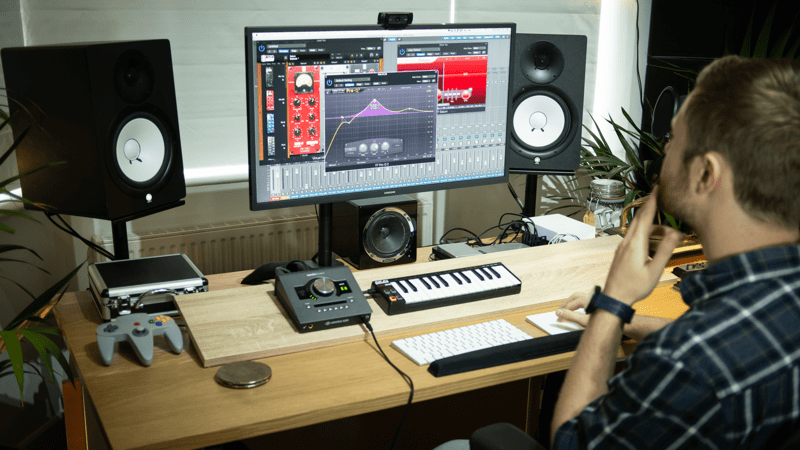
Carrying on our MIDI import 'How to' guides, we're taking a look at adding existing MIDI files and then assigning an AU plugin synth to play it in Apple's Logic Pro sequencer software. 1) From the File menu open an existing or new project (Command -> O / N) 2)...